If you are a YouTube content creator looking to go viral, this article is going to be incredibly useful for you. We are going to share the 5 best ways to optimize your YouTube video titles. By following these methods, you can easily boost your channel’s growth and increase your video views.
5 Proven Tips for YouTube Title Optimization
Optimizing a YouTube video title requires paying attention to several different elements, such as keywords, length limits and power words. You can follow the methods outlined below to write an excellent title for your video.
1. Use Searchable Keywords in the Title
Before you upload a video, go to YouTube and click on the search bar. Type in a few words related to your topic and YouTube will suggest various keywords based on your subject. All of these suggestions are currently the most searched keywords by users.
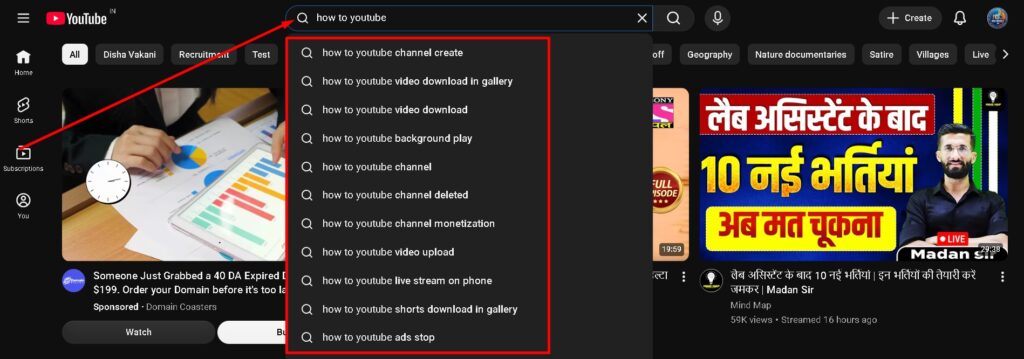
You should place the topmost keyword from these suggestions into your video title. This helps your video rank faster in search results and boosts your impressions, allowing your channel to grow quickly and bring in more views.
2. Keep the Title Length Optimal
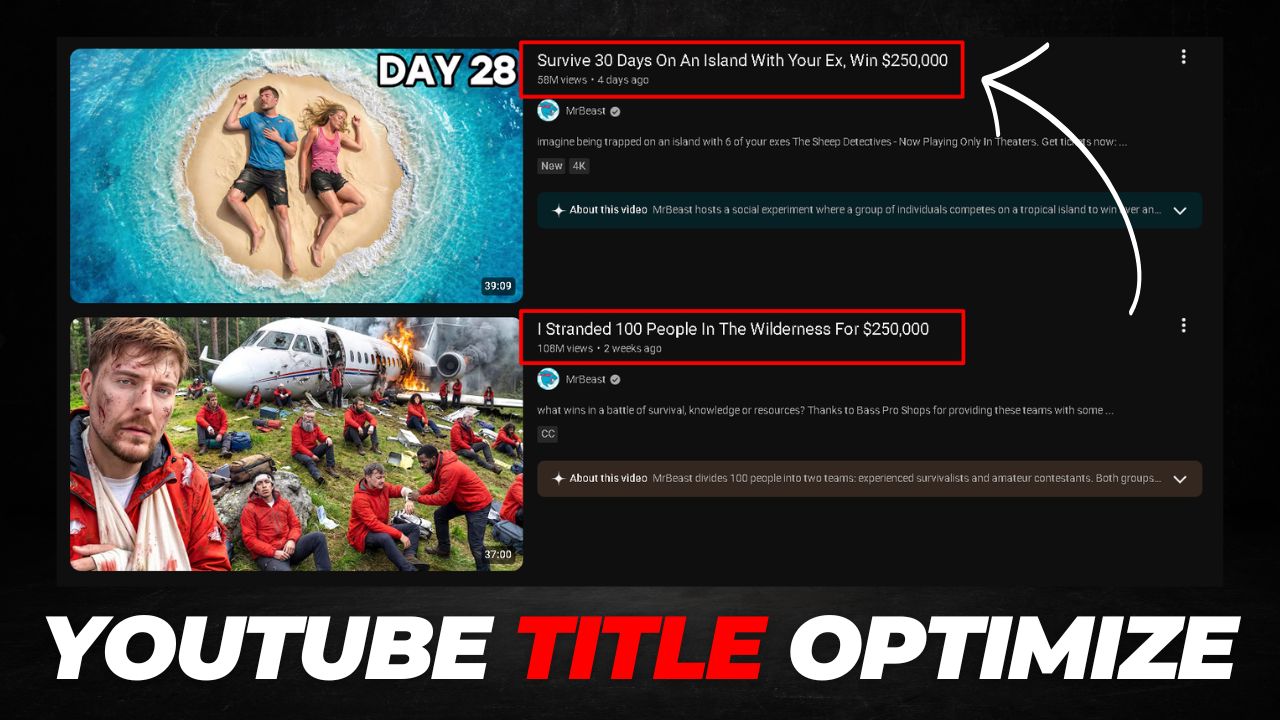
As a content creator, you should know that YouTube has a standard length recommendation for titles that you ought to follow. Whenever you write a title for your video, try to keep it between 50 and 60 characters.
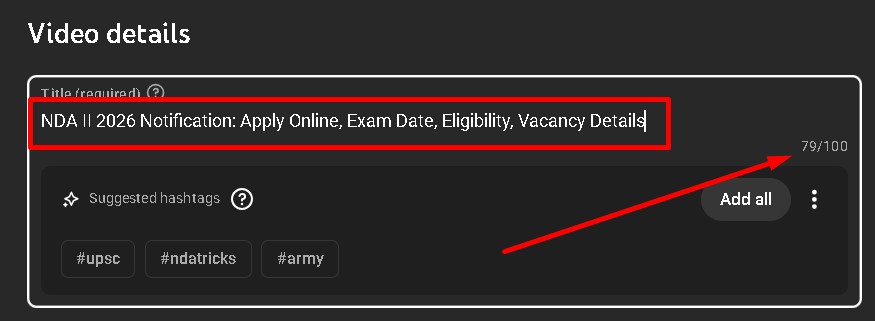
The biggest advantage of doing this is that when YouTube recommends your video to another user, they will be able to see the full, clear title alongside your thumbnail. This makes it easier for users to understand what your video is about, which can significantly increase your CTR (Click-Through Rate).
3. Use Numbers and Brackets
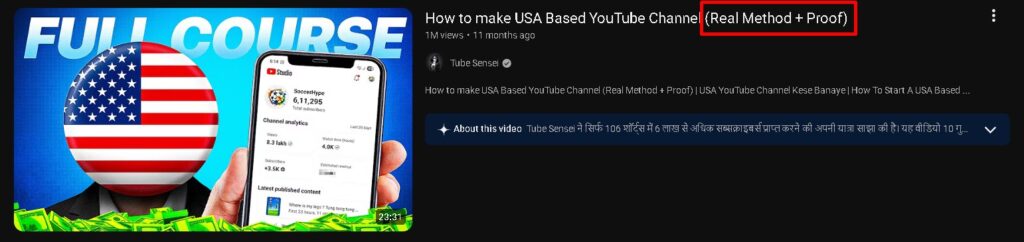
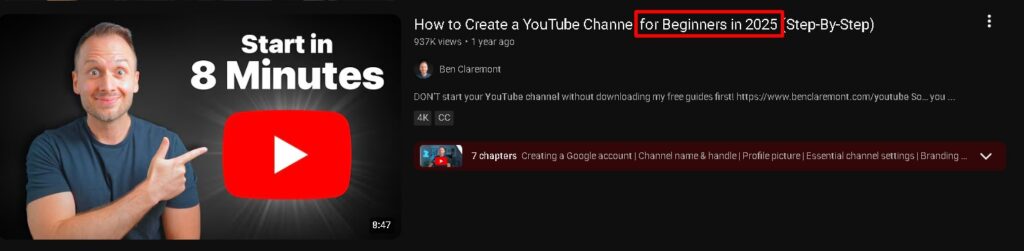
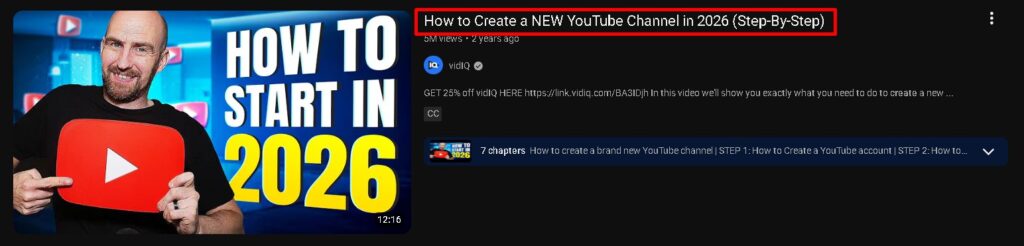
Including relevant numbers (like 1 to 10) and brackets (such as ( ) or [ ]) in your video title can be incredibly helpful in boosting your CTR. As you can see, I also used a number at the beginning of this post so that when a user sees the title, it sparks curiosity to read further.
Similarly, you should use the right numbers and brackets in the right places within your video title. According to experts, it is best to use numbers at the very beginning or end of a title, while brackets can be used in the middle or at the end. This makes your title look polished and professional.
4. Create Suspense or Curiosity
When writing a video title, you should include words that spark curiosity in the user’s mind and encourage them to click on your video. However, it is crucial to ensure that your title does not turn into clickbait.
Naturally adding a word that creates suspense or curiosity in your title will improve your CTR, leading to faster channel growth and a steady increase in views.
5. Use “All Caps” and Emojis Correctly
Many people overlook this minor detail, even though it plays a major role in boosting your video’s CTR. When writing a title, you should avoid writing everything in all capital letters or all lowercase letters, as this can make your title look boring and lower your CTR.
You should use proper capitalization for every word—meaning you capitalize letters where necessary and use lowercase where appropriate. Using mixed case correctly makes your title look professional and helps increase your CTR.
Additionally, if you want to use emojis, choose the right ones that match your topic and place them appropriately based on your title’s length. For example, using 1 or 2 emojis in a 50-character title is ideal.
Note: Whenever you write a video title, you must keep YouTube’s policies in mind. Your title should fully comply with YouTube guidelines to ensure you get the best possible results for your video.
1. What is YouTube Title Optimization and Why is it Important?
YouTube Title Optimization is the process of creating a video title using the right keywords, structure and strategy so that your video ranks higher in search results and gets more clicks. A well-optimized title helps YouTube understand your content and recommend it to the right audience. It directly impacts your CTR (Click-Through Rate), impressions and overall video performance. Without proper title optimization, even high-quality videos may fail to reach viewers.
2. How Do I Find the Best Keywords for YouTube Titles?
To find the best keywords, start by using YouTube’s search bar and type your topic. The auto-suggestions you see are the most searched keywords. You can also use tools like Google Trends or keyword research tools. Always choose keywords with high search volume and low competition. Place your primary keyword at the beginning of the title for better ranking and visibility.
3. What is the Ideal Length for a YouTube Video Title?
The ideal YouTube title length is between 50 to 60 characters. This ensures that your full title is visible on all devices, including mobile and desktop. If your title is too long, it may get cut off, reducing its impact. A clear and concise title improves user understanding and increases the chances of getting more clicks.
4. Do Numbers and Brackets Really Improve YouTube CTR?
Yes, using numbers and brackets significantly improves CTR. Numbers like “5 Tips,” “Top 10,” or “3 Tricks” create clarity and set expectations for the viewer. Brackets like (2026), [Full Guide], or (Step-by-Step) add extra information and make your title more attractive. These elements make your title stand out and grab attention quickly.
5. How Can I Make My YouTube Title More Clickable Without Clickbait?
To make your title clickable, use curiosity-driven words like “secret,” “best,” “proven,” or “hidden.” However, always ensure that your title accurately reflects your video content. Avoid misleading information because it can harm your channel’s credibility and reduce watch time. A balance between cur