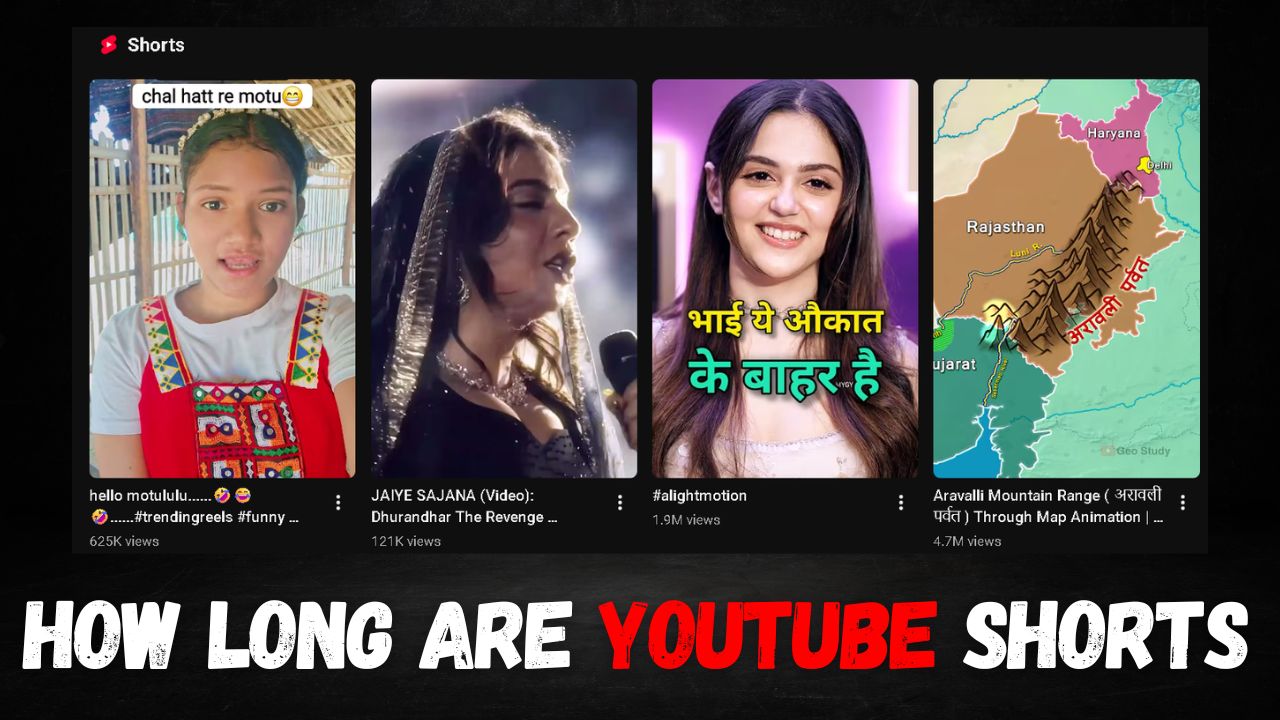
If you are still uploading 60-second short videos just like before, you should know that the YouTube algorithm has become much smarter than it used to be. Today, the YouTube algorithm prioritizes video quality over video length. In this article, you will get precise information on how long an ideal short video should be and why.
How Long Are YouTube Shorts?
Previously, you could upload videos up to 60 seconds long on YouTube. However, in the October 15, 2024 update, YouTube increased the maximum length of Shorts for vertical or square videos to 3 minutes. Consequently, you can now upload YouTube Shorts up to a maximum of 3 minutes long.
When it comes to the minimum length, YouTube has not set any limit. If you wish, you can even upload a 1-second short video on YouTube. However, it is essential for the short video to have a 9:16 (vertical) aspect ratio for it to appear in the Shorts feed. If you create a video in any other aspect ratio, it might be counted as a long-form YouTube video.
What Is the Best Length to Make YouTube Shorts Go Viral?
Although YouTube has set a maximum limit of 3 minutes for Shorts, it is not necessary that 3-minute Shorts will grow quickly or go viral easily. Therefore, you need to create videos of the correct length based on your content to see good results. Based on this, here is the best length for Shorts that you can use to create great content:
- Fast-Paced Content: If you upload comedy, facts, or quick updates, the length of your Shorts should be 15 to 30 seconds. This can drive your audience retention above 100%.
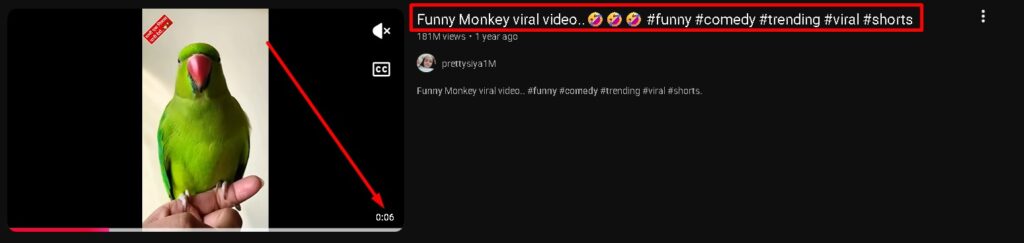
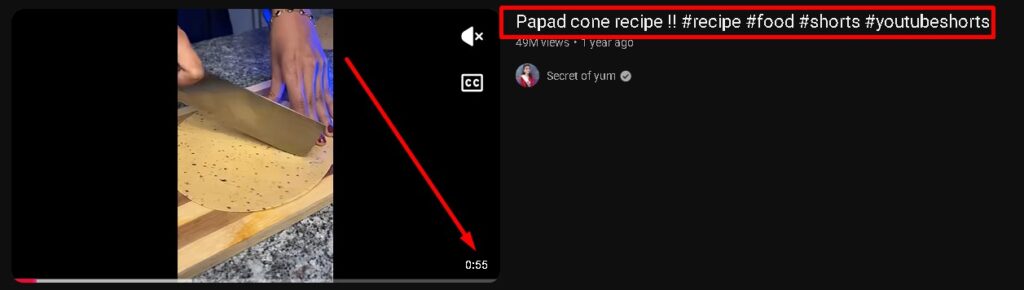
- Storytelling & Tutorials: If you make mini-vlogs, recipes, or tech-related Shorts, the length should be 30 to 60 seconds. This allows you to explain the entire process step-by-step in the right way.
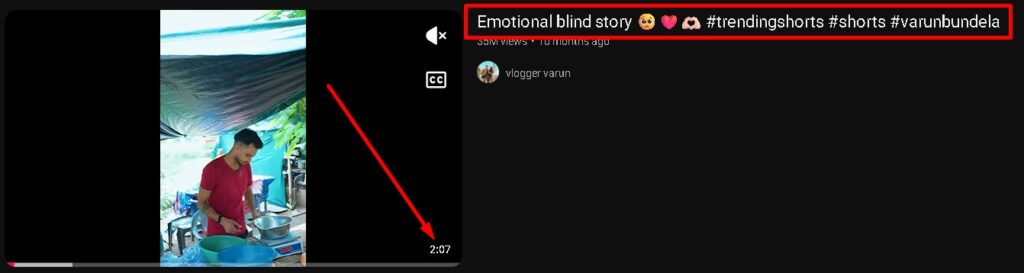
- In-depth Shorts: If you upload stories, podcasts, or educational content, you can keep the length between 60 seconds and 3 minutes so you can fully explain the content to the user.
You should try making videos of various lengths depending on your content category. Additionally, you should analyze how long your viewers prefer to watch your short videos and try to create your next Short accordingly.
What Is the Connection Between Shorts Length and the Algorithm?
The length of any Short you upload has a very significant connection with the YouTube algorithm, which greatly helps in making your video go viral. For instance, if you upload a 3-minute Short but users only watch it for 10 seconds, the algorithm will assume that users do not like your video, and it will reduce your video’s reach.
On the other hand, if you upload a 15 to 20-second Short, users might watch your Short repeatedly, pushing your audience retention above 100%. This signals the algorithm that users absolutely love your content, prompting it to push your content to more and more people.
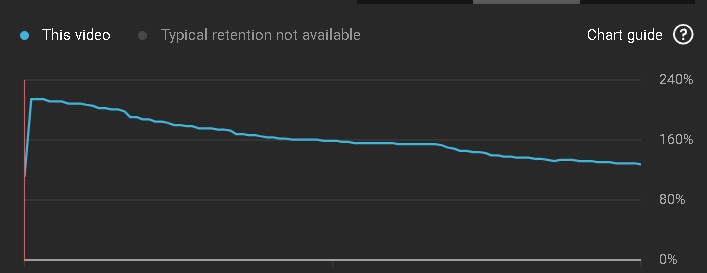
Whenever you create a Short, you should try to convey your point to the user in the shortest time possible. This keeps users more engaged and watching longer, which can rapidly increase the reach of your Short.
5 Quick Tricks to Make YouTube Shorts Go Viral
If your Shorts are getting very few views, or if the views stop completely after an initial bounce, you can follow these 5 quick tricks to get more views and make your Shorts go viral:
- Catchy Hook: The first 3 to 5 seconds of any Short are the most critical because this is when a user decides whether to watch the Short or skip it. Therefore, you should use a catchy hook at the very beginning of your Short to create curiosity, encouraging the user to watch the entire video.
- Title & Hashtags: A good title and appropriate hashtags are incredibly helpful in increasing the reach of your Short. When uploading a Short, you should keep the title under 100 words and use searchable keywords. Additionally, include relevant hashtags in the title, such as #Shorts.
- Description & Tags: To get your Shorts into YouTube search results, write an SEO-optimized description that contains information and keywords related to your content. Furthermore, type different related keywords in the tags section so that whenever a user searches for those keywords on YouTube, your short video appears there.
- No Re-uploading: To grow on YouTube, you must create and publish your own unique content. Downloading content from platforms like Instagram or TikTok and publishing it on YouTube goes against YouTube’s policy. This can result in a penalty for your channel. Therefore, always upload your own content to steadily grow your reach.
- Remove Watermark: If you edit your Shorts using free tools, they often include a company watermark, which might cause users to skip your video. Therefore, carefully check that your video does not contain any unwanted watermarks before uploading it.
If you keep these points in mind while creating and uploading short videos, you can achieve great results on YouTube, and the reach of your short videos can increase rapidly.
Here are 5 relevant, searchable, and SEO-friendly Frequently Asked Questions (FAQs) that perfectly match the content and tone of your article:
Frequently Asked Questions
Q1: What is the maximum length for a YouTube Short after the latest update?
A: As of the October 15, 2024 update, YouTube increased the maximum length for vertical or square Shorts from 60 seconds up to 3 minutes.
Q2: Is there a minimum length requirement for YouTube Shorts?
A: No, YouTube has not set a minimum limit. You can upload a Short as brief as 1 second, provided it maintains the required vertical aspect ratio.
Q3: What aspect ratio does a video need to be counted as a YouTube Short?
A: Your video must have a 9:16 vertical aspect ratio. If you use a standard widescreen format or other aspect ratios, YouTube may categorize it as a traditional long-form video instead.
Q4: How does video length affect the YouTube Shorts algorithm?
A: The algorithm prioritizes quality and viewer engagement over sheer length. If you make a long Short but viewers swipe away early, your reach drops. Shorter, punchier videos (15–30 seconds) often get rewatched, driving audience retention above 100% and signaling the algorithm to push the video to a wider audience.